Anne
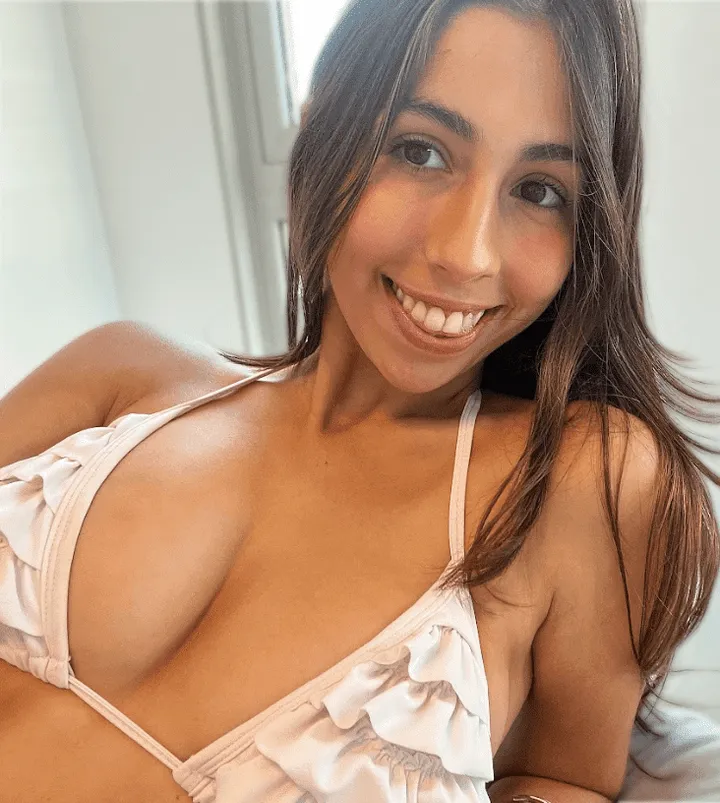
@sweetie-anneSweet by name, sweet by nature — and quick to say hi.
Right now there are 9 working OnlyFans deals on this page: 7 free trials (up to 30 days for $0 on pages that normally cost up to $49.99/month) and 2 always-free pages. OnlyFans has no promo codes — each button opens the creator's own official deal link.
Sorted by biggest saving first.
Sweet by name, sweet by nature — and quick to say hi.
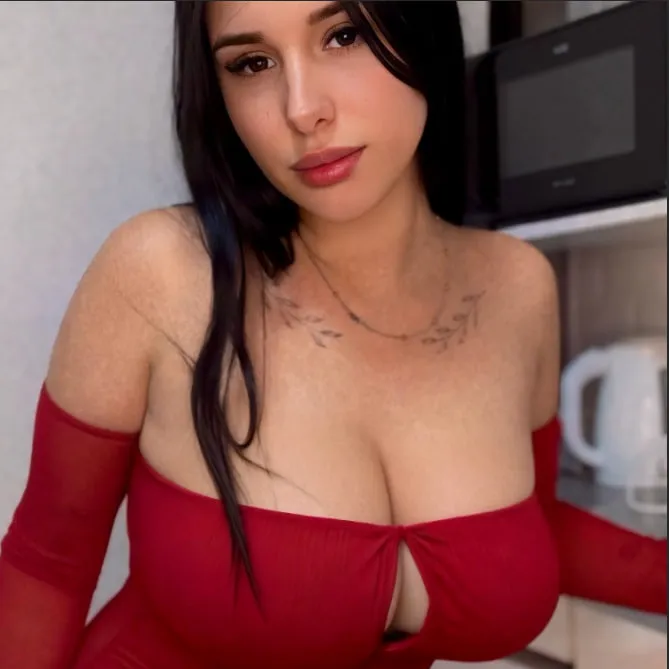
Elegant girl-next-door with a flirty side she saves for subscribers.
Latina charm, warm personality and a page that rewards regulars.
Cheeky, fun and full of surprises — the fox lives up to the name.
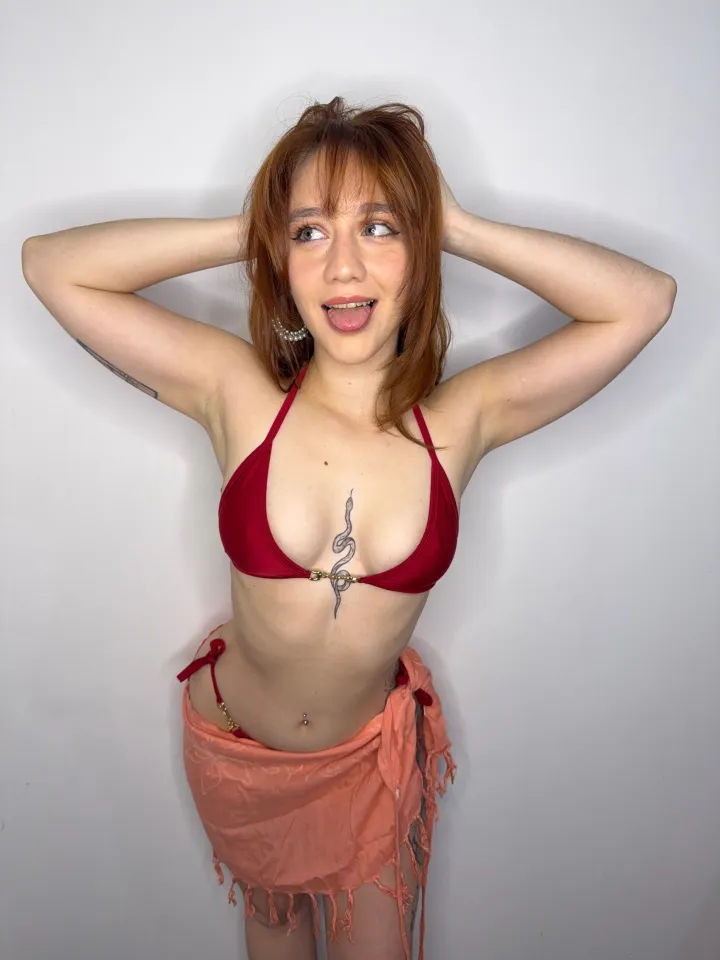
Bold, confident and impossible to scroll past.
Soft, romantic vibe with plenty of one-on-one attention.
Sweet, playful and always up for a chat.
Always-free page — follow her without paying a cent.
Free to follow — no subscription, no catch.
There are no OnlyFans coupon codes. Every OnlyFans discount is created by the creator herself, as one of four things: a free trial link, a promotion, a bundle, or a free page.
A special link that gives you a $0 subscription for a fixed number of days. The biggest saving on OnlyFans — and the main deal on this site.
A percentage off the monthly price, or 3–12 months bought together for 10–25% less. Shown directly on the creator's subscribe button.
Pages that are always $0 to follow. Nothing to cancel; creators earn from tips and pay-per-view messages instead.
| Deal type | You pay | Ends | Best for |
|---|---|---|---|
| Free trial link | $0 during the trial | After the trial days, or when you cancel | Trying a paid page risk-free |
| Promotion | Reduced price | Usually after the first month | New or returning subscribers |
| Bundle | Discounted multi-month price | After 3, 6 or 12 months | Creators you already like |
| Free page | $0 | Never | Following with no subscription |
No — OnlyFans has no coupon-code box at checkout. Every OnlyFans discount is a link or an on-page offer set by the creator: a free trial link, a limited-time promotion (a percentage off), or a multi-month bundle. The deals on this page are the creators' own official links.
Open the creator's free trial link while logged in to OnlyFans and press the subscribe button on the trial offer. The subscription starts at $0 for the trial period. OnlyFans may ask you to have a payment card on your account even for a free trial, but you are not charged during the trial.
When the trial period is over, the subscription either ends or renews at the creator's regular monthly price, depending on your auto-renew setting for that creator. You can turn auto-renew off on the creator's profile at any time during the trial.
Yes. Every button opens the creator's official page on onlyfans.com — you subscribe and pay (if anything) inside OnlyFans itself. We never ask for your login, card, or personal details.
Creators can limit how many people claim an offer, set an expiry date, or end it early, and a trial can only be claimed by accounts that are not already subscribed. We check the list regularly and remove deals that stop working.
No. A free trial or discount only covers the monthly subscription — access to the creator's feed. Pay-per-view messages, tips and custom requests are priced separately by the creator.
The four real ways to pay less on OnlyFans in 2026 — free trial links, promotions, bundles and free pages — and why "discount codes" don't exist.
Read guide →What an OnlyFans free trial link is, who can claim one, what happens when the trial ends, and how to avoid being charged.
Read guide →OnlyFans bundles and promotions compared — how each discount works, typical savings, and when to pick which.
Read guide →OnlyFans has no promo or coupon codes. Here are the four real ways to pay less — free trial links, promotions, bundles and free pages.
Read guide →Yes — an OnlyFans free trial costs $0 for the trial period. What you might still pay for, and how to make sure you are not charged when it ends.
Read guide →OnlyFans subscriptions cost $0 to $49.99 a month, set by each creator. What pay-per-view messages and tips cost, and how to pay less.
Read guide →Cancel any OnlyFans subscription or free trial by turning off auto-renew on the creator's profile. Step by step, plus what happens to your access.
Read guide →Whether OnlyFans needs a payment card for a free trial, why it asks for one, and how to make sure a free trial never costs you anything.
Read guide →The legal ways to see OnlyFans content for free — free trial links and free pages — and why "leak" sites are a bad idea.
Read guide →What OnlyFans creators can and cannot see about their subscribers — username yes, real name and card no — and how to stay private.
Read guide →OnlyFans payments are generally non-refundable. When to contact support, why chargebacks are risky, and how to avoid paying for something you don't want.
Read guide →